Project and Plugin Settings
It is possible to manage a number of options in the project settings.
To access them, click on the small gear icon next to the name of the open project in the interface:
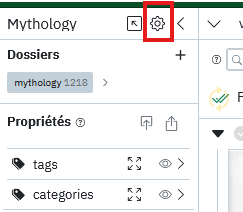
Here you can manage:
- the image formats to save in the database. By default, only thumbnails and medium-sized versions calculated during import are kept, but it is also possible to check "Save large image". Doing this allows for a relatively autonomous .db project file that can be easily shared with others without them needing the images.
- the default functions to execute for each similarity tool
- the default vector type to use for similarity tools
- the parameters related to each installed plugin
Activate or Deactivate Plugins for a Project
When a plugin is installed in Panoptic, it is automatically activated for all projects. However, in reality, not all projects will necessarily need all plugins. For example, a project without images containing text will not need the OCR plugin. It is therefore possible to deactivate unnecessary plugins for a project from the home page by clicking on the three small dots next to the project name:
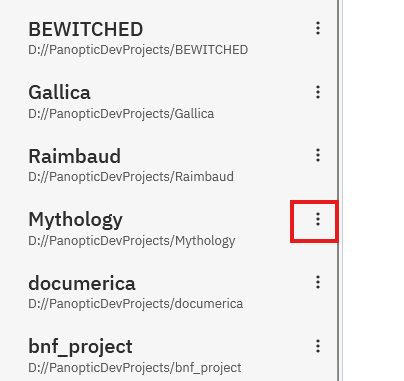
Then simply check or uncheck the plugins to activate/deactivate.