Share a Project
It is possible to import an existing project, which allows transferring a project from one computer to another. To do this, simply click on import from the main menu, and navigate to a folder containing the .db file of the project you wish to import.
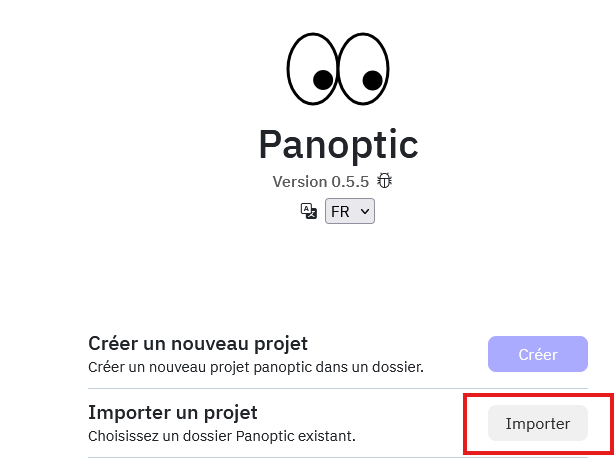
!!! info An advantage of importing a project is that it avoids recalculating image vectors, as these are already automatically stored in the .db file. A common use is therefore to calculate vectors on a powerful computer and then share the project for exploration on less powerful projects.
Integrate Images
It should be noted, however, that by default only image thumbnails are integrated into a .db file. Thus, to function correctly, you will first need to enable saving HD versions of images in the project settings.