Projects
Panoptic allows you to work with your corpora locally on your computer. Panoptic therefore does not offer predefined image collections; datasets must be constituted upstream.
All actions performed within a project are automatically saved locally on your computer. If you close a project and return to it later, you will find all the actions you performed there.
Panoptic allows you to work with as many projects as you wish.
In a project, you can work with several image corpora if you wish, imported at once or in several steps.
Panoptic Project Management Page
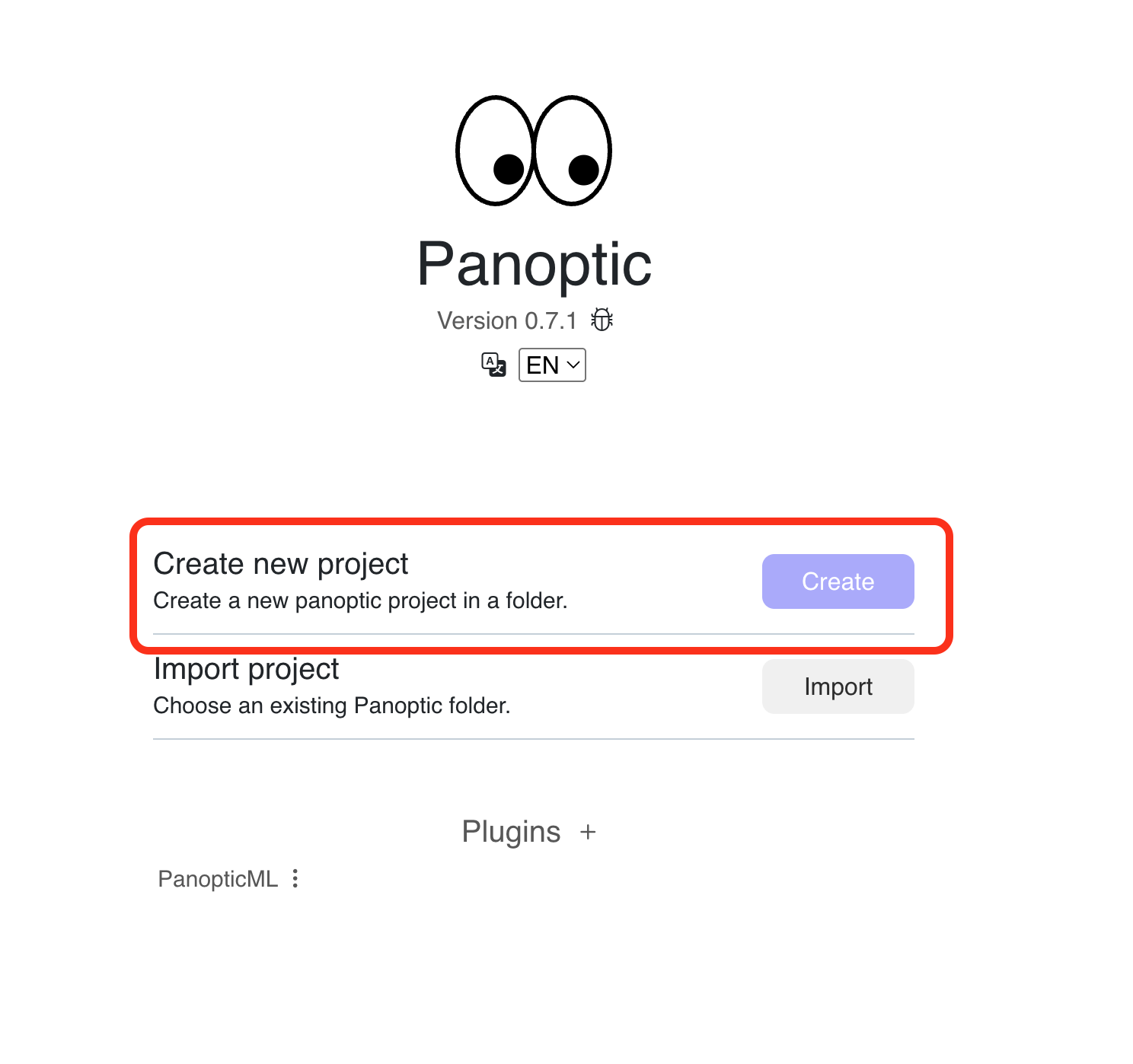
Projects are managed on a dedicated page (creation, import, deletion), which is Panoptic's home page: it opens when the software is launched and remains accessible at any time.
On the project management page, click on "Create" next to "Create a new project."
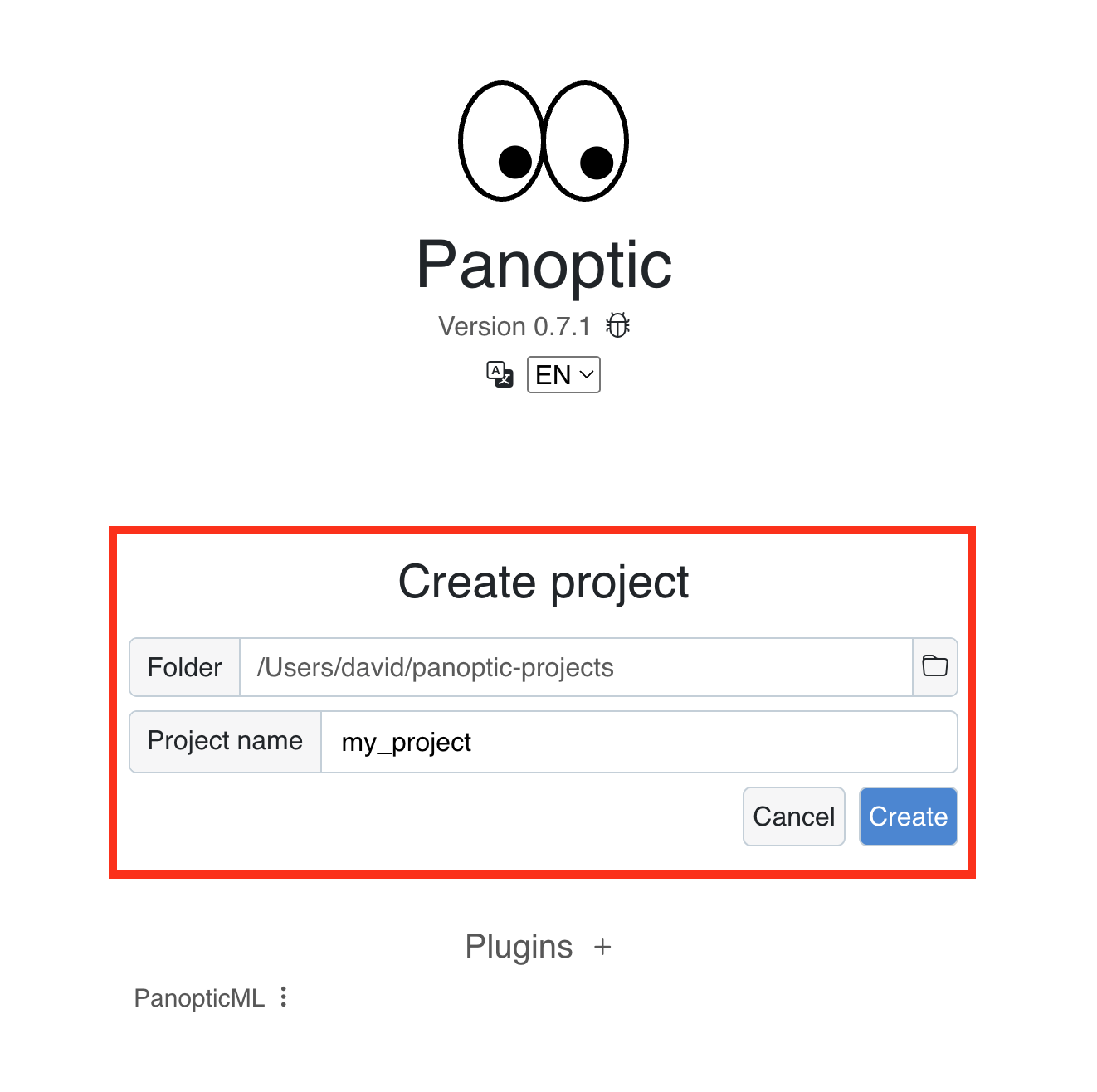
This involves defining the location on your computer – (the "folder") – where you want to save your project.
Warning
You must not move this folder/rename its path afterwards.
Create this folder in a different folder from the one containing your image corpus.
We recommand creating a parent folder to hold all your panoptic projects.
Then name your project in the "Project Name" field.
Finally, click "Create": your project is created and the Panoptic workspace opens.
Accessing an Existing Project
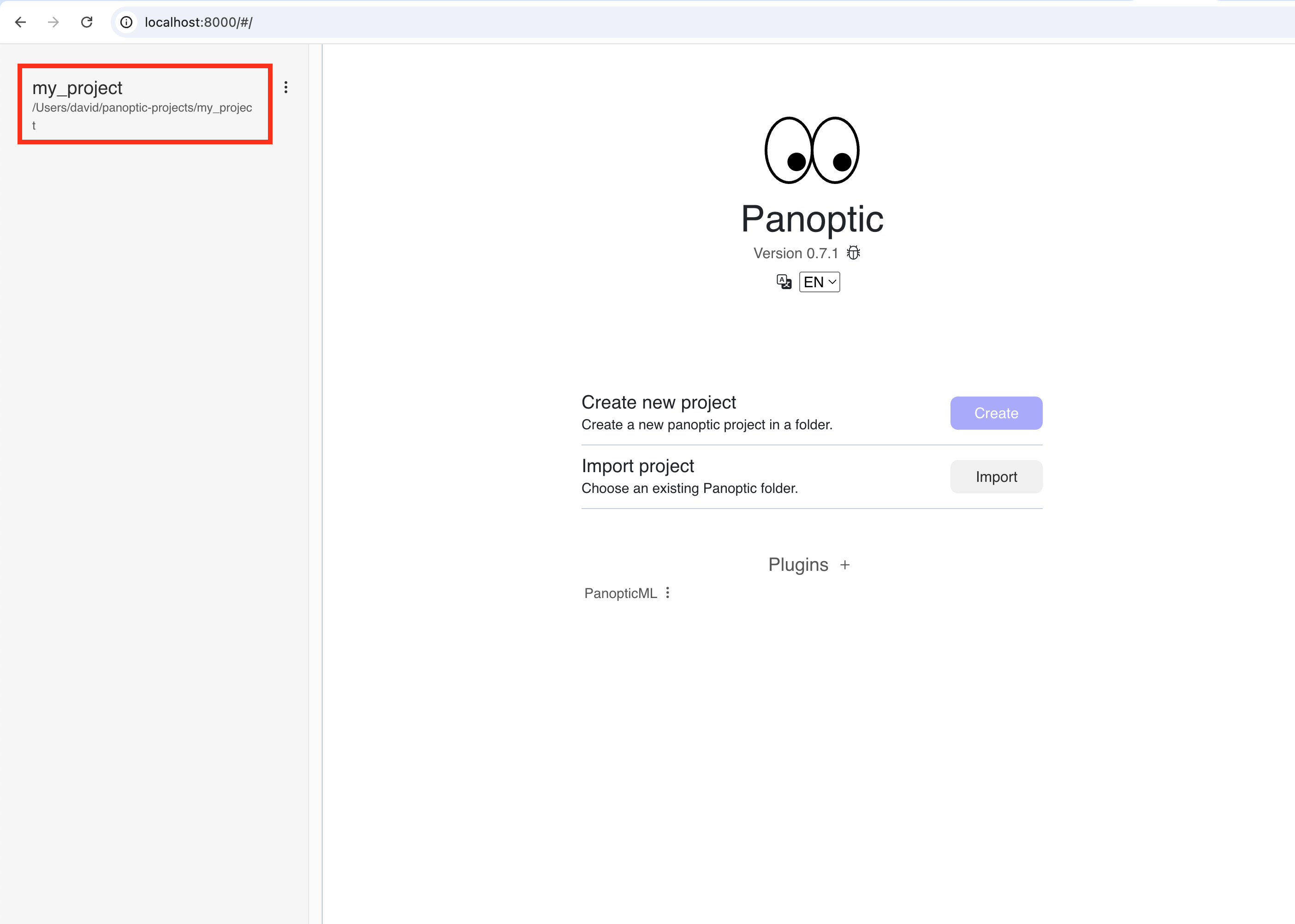
When you open Panoptic, choose the project you wish to open on the left by clicking on it.
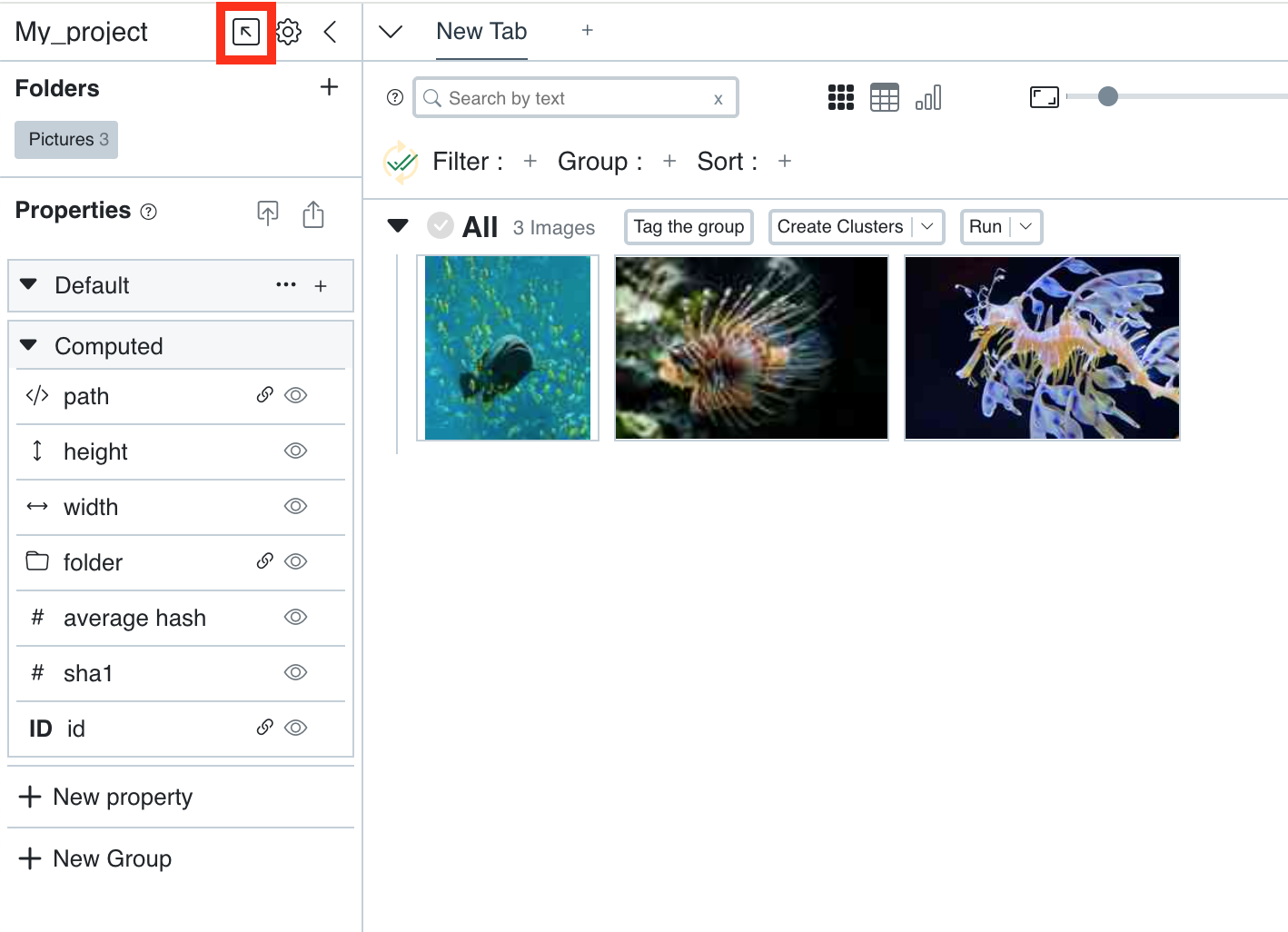
If you are already in an open project and wish to change projects, click on the arrow in the top left.